Settings
Below you will find the app's related settings so you can customize your experience.
How to
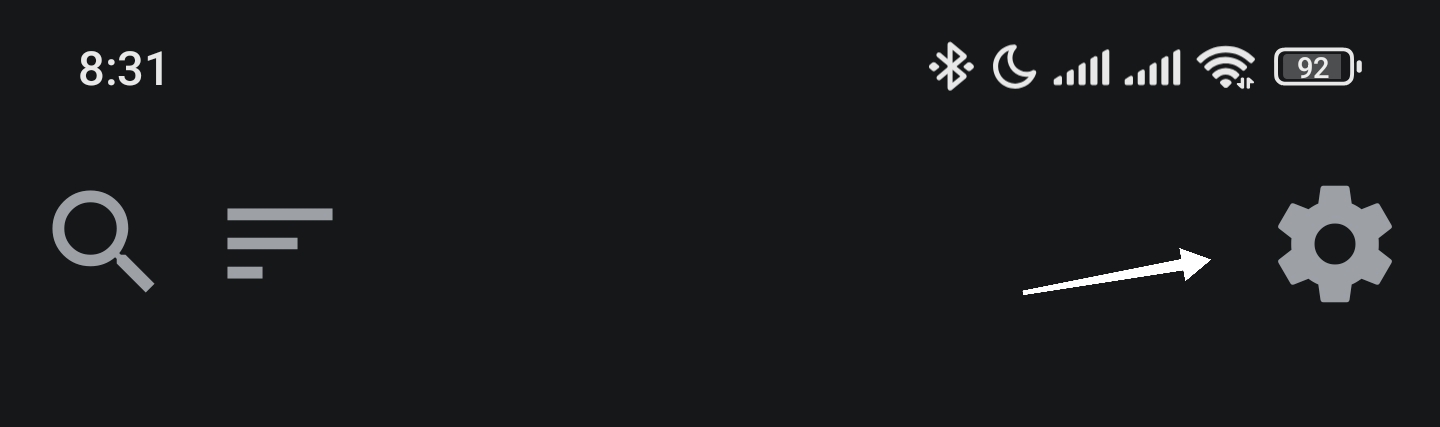
To go to settings, tap the gear icon from the debtors screen:
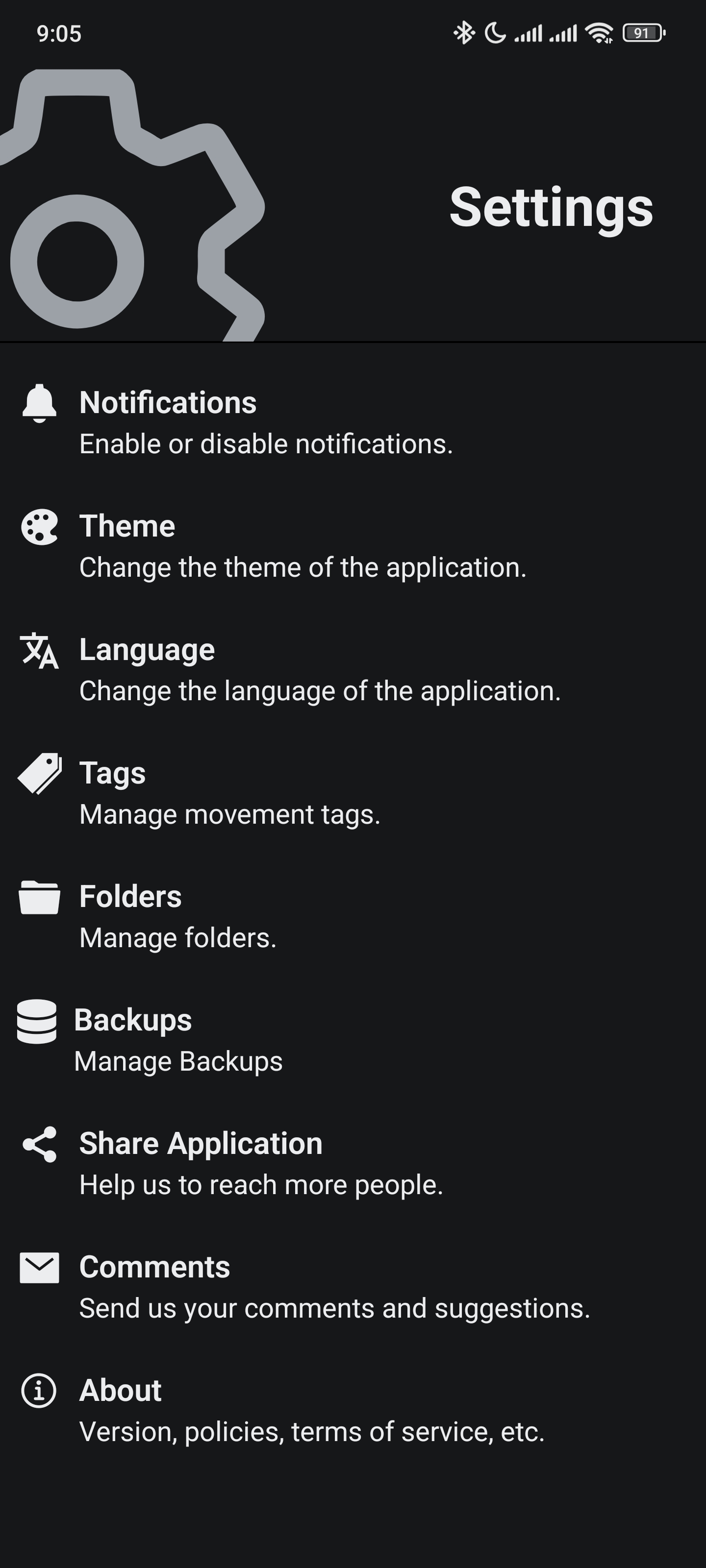
And you will be redirected to the Settings screen:
Notifications
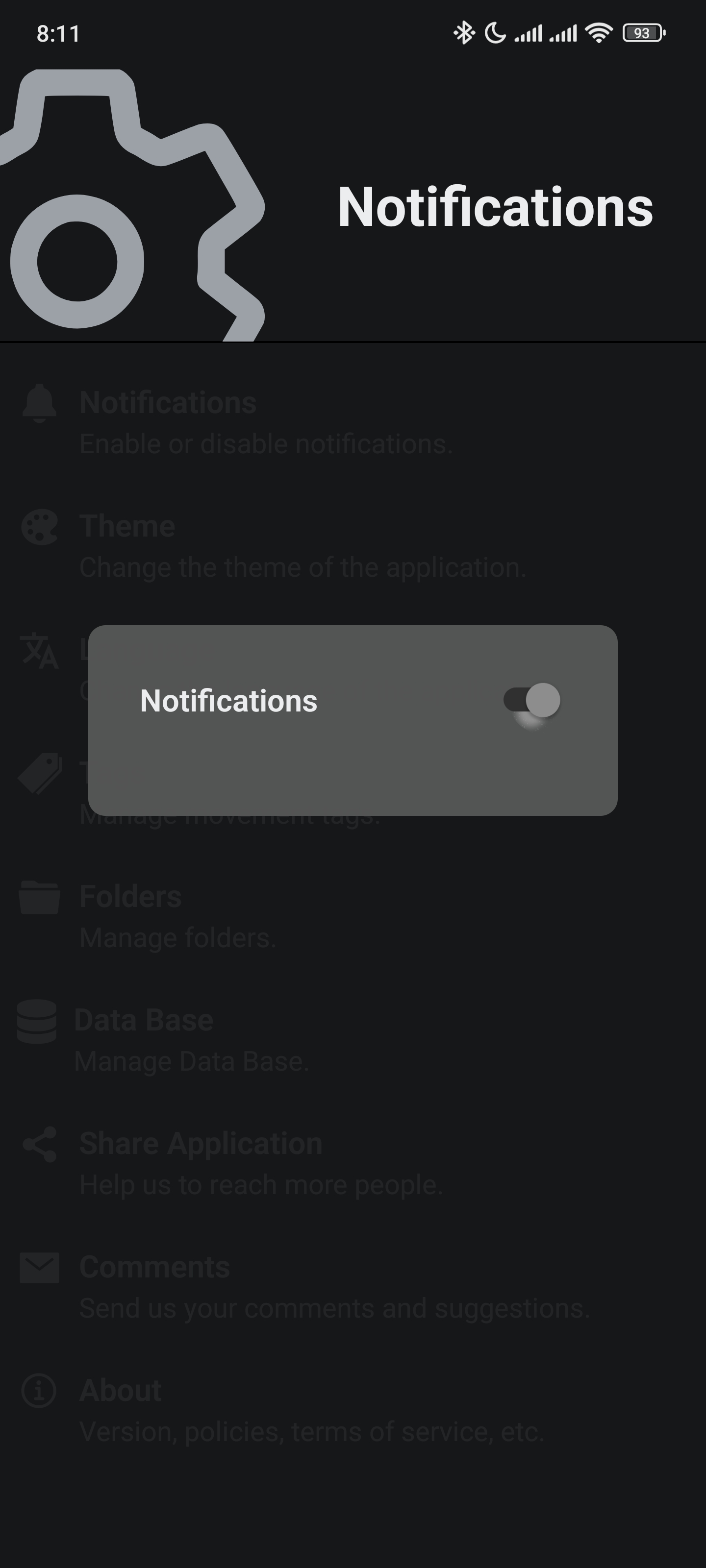
Notifications are used to control reminders from debtors.
You can disable or enable this by changing the Switch state.
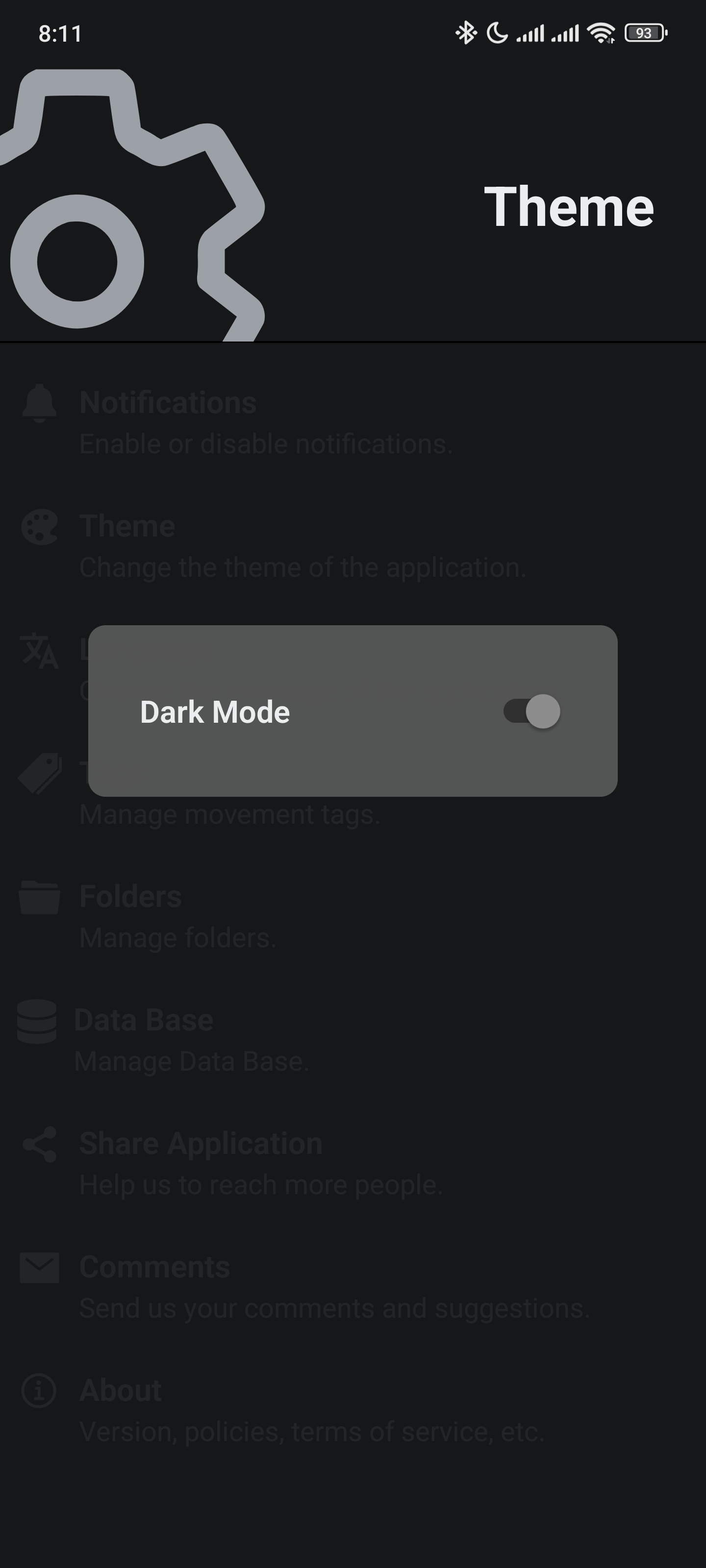
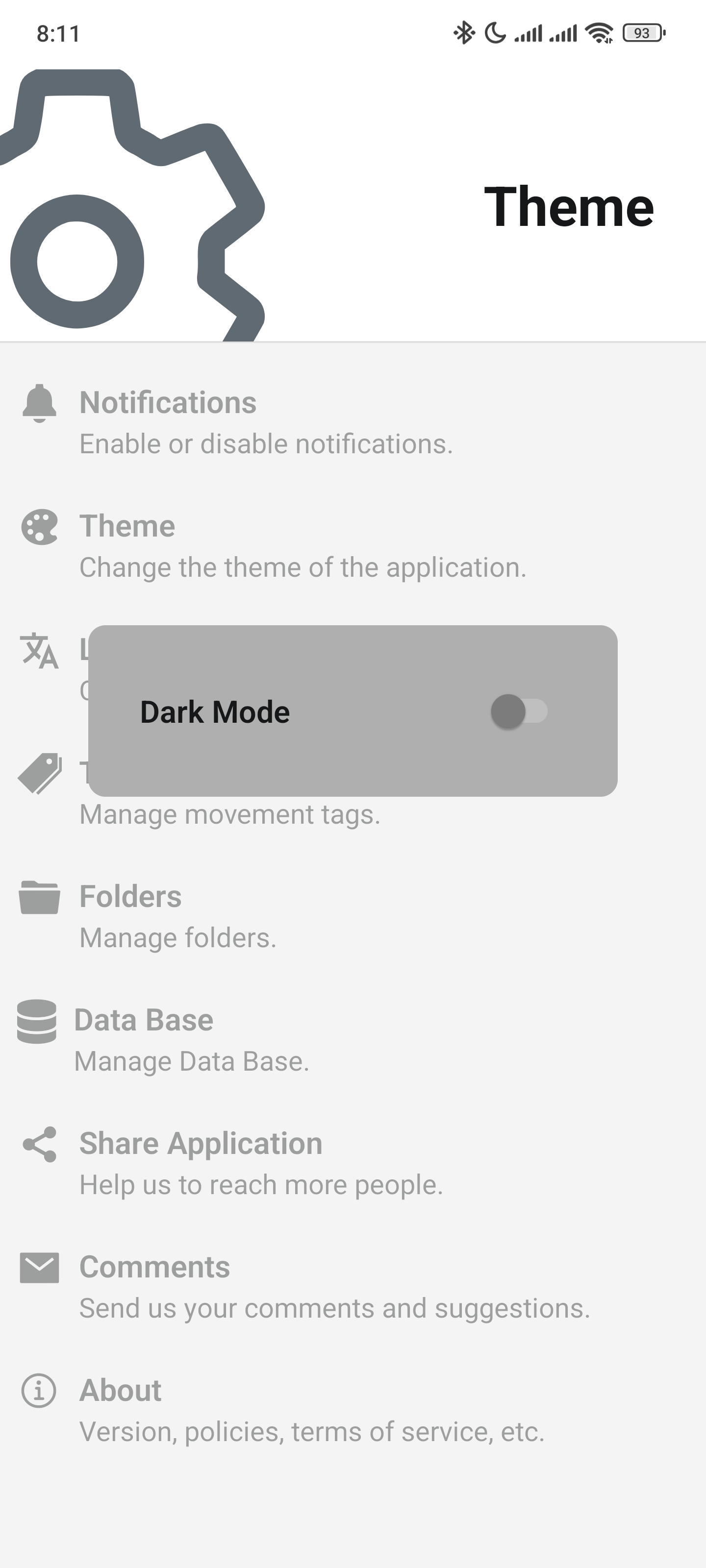
Theme
You can enable or disable dark mode by changing the Switch state:
Language
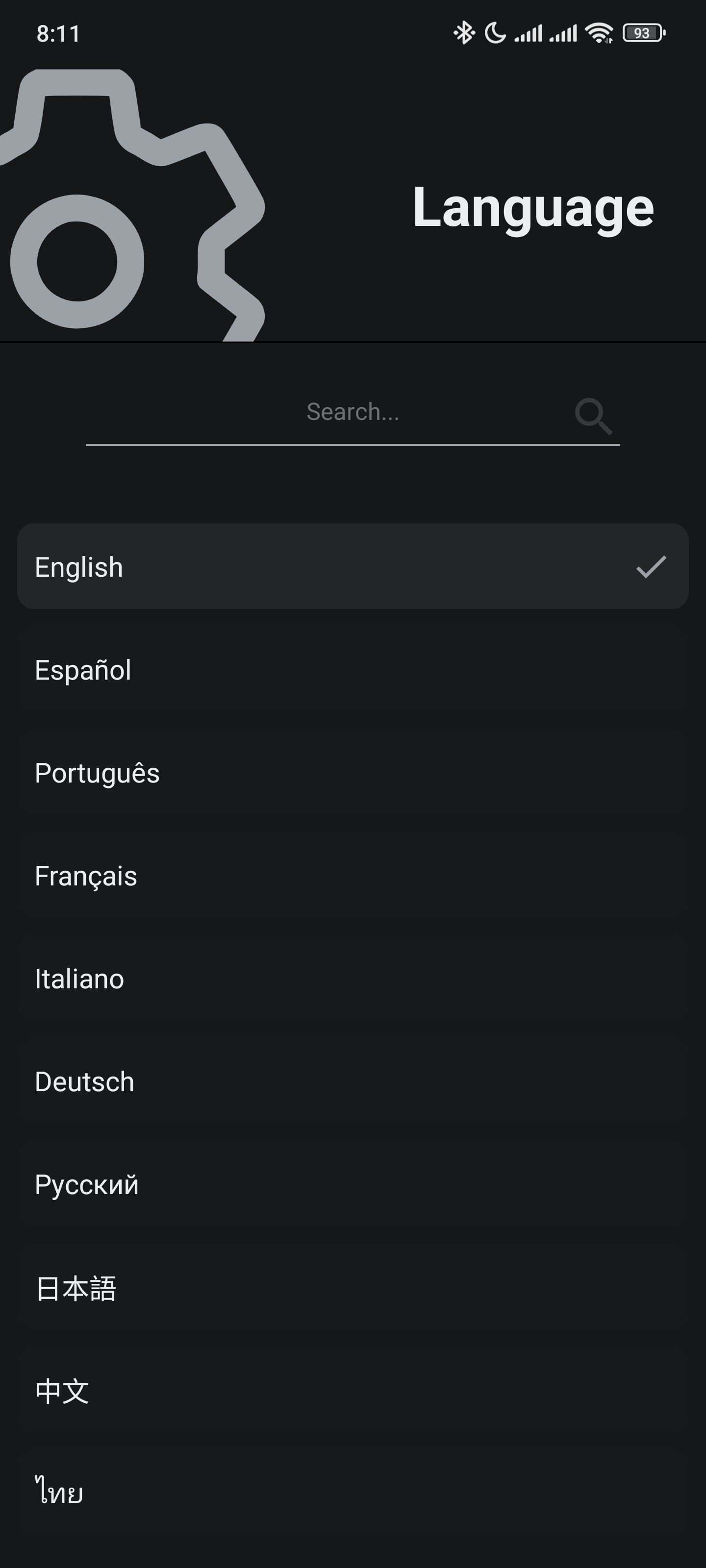
You can change the app's language to the following:
- English
- Portuguese
- Italian
- Russian
- Chinese
- Spanish
- French
- German
- Japanese
- Thai
You can filter Languages by using the search bar.
Tags
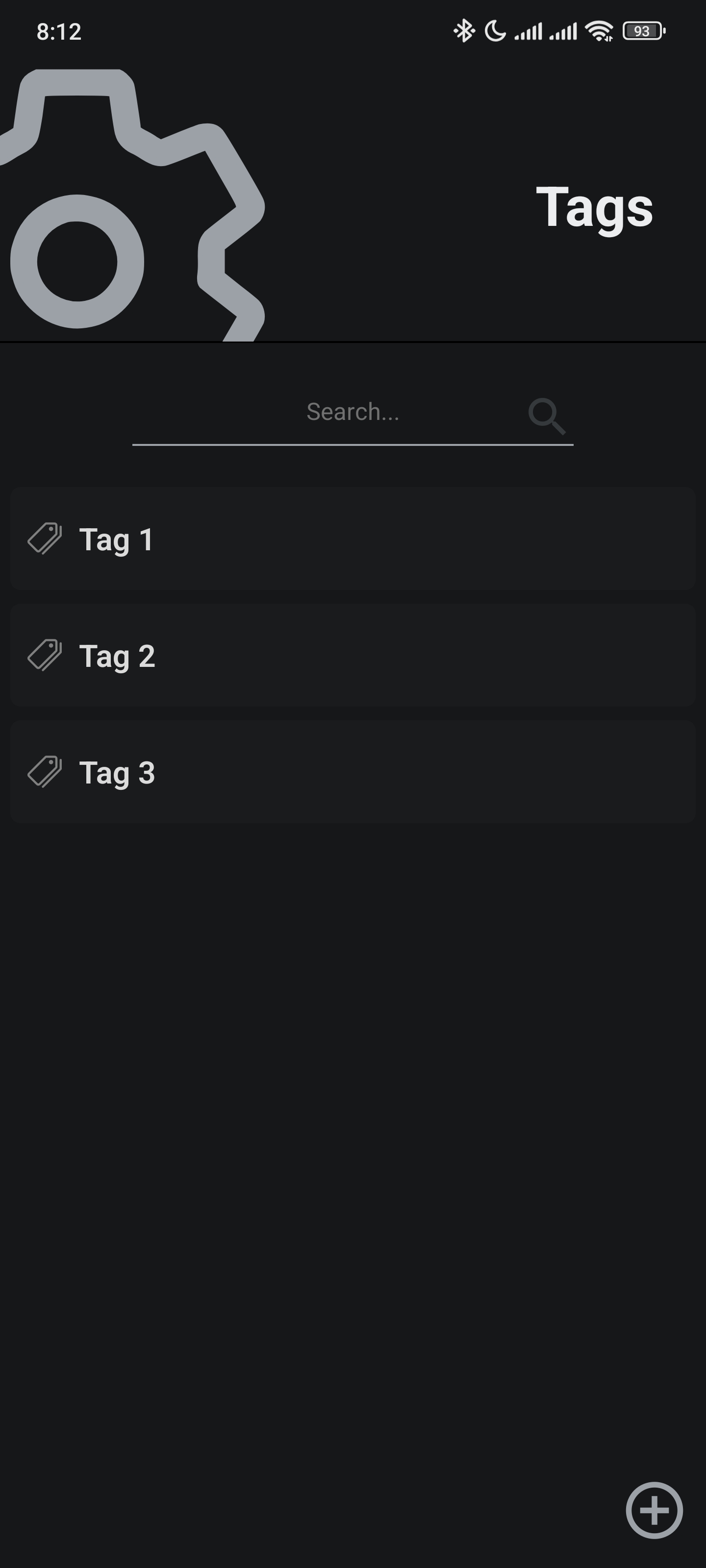
Tags help you categorize and filter movements from your debtors.
In this screen you can create, edit or delete Tags.
- To create
Tagsyou can tap theplusicon. - To edit
Tagsyou can swipe to the right just like in theDebtorspage. - To delete
Tagsyou can swipe to the left just like in theDebtorspage.
You can filter Tags by using the search bar.
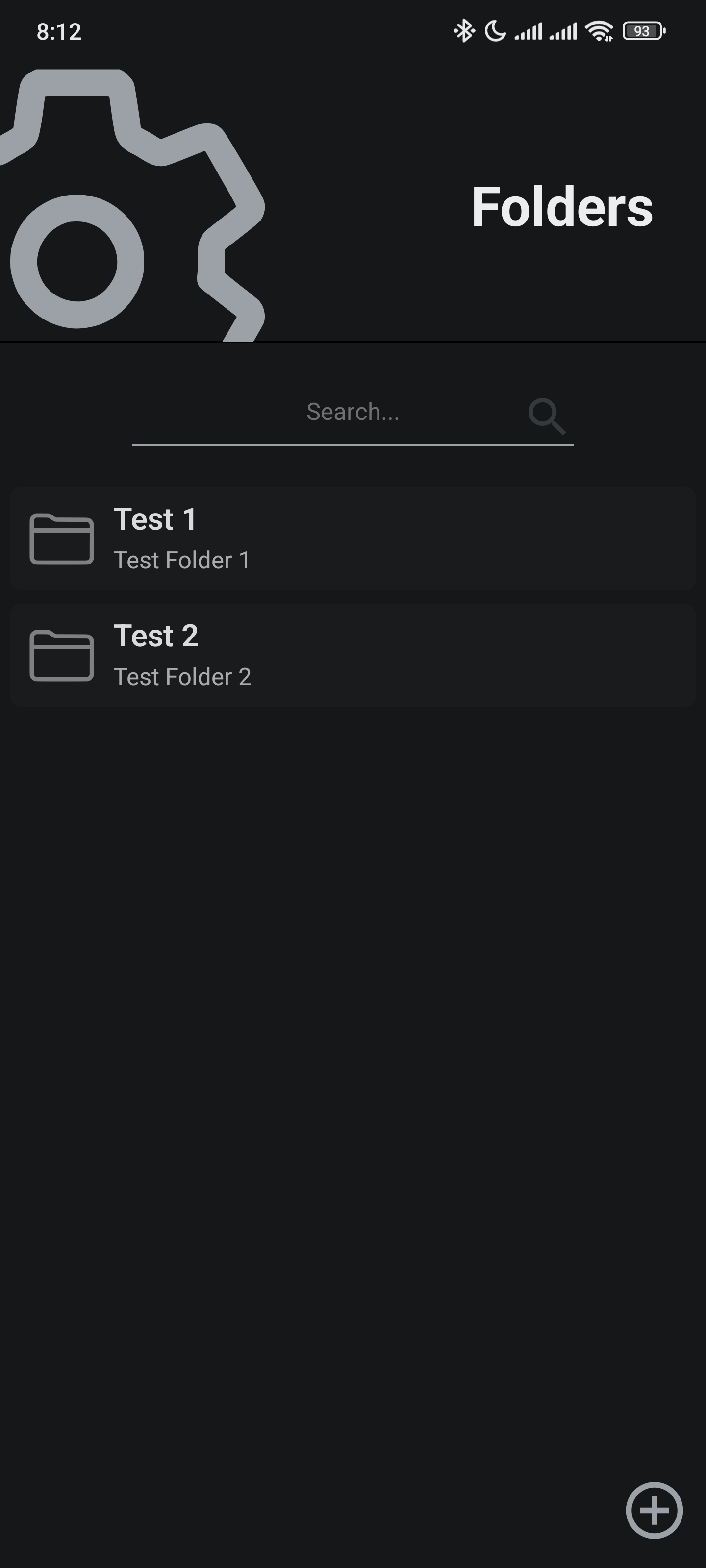
Folders
Folders help you group, categorize and organize debtors.
In this screen you can create, edit or delete Folders.
- To create
Foldersyou can tap theplusicon. - To edit
Foldersyou can swipe to the right just like in theDebtorspage - To delete
Foldersyou can swipe to the left just like in theDebtorspage
You can filter Folders by using the search bar.
Backups
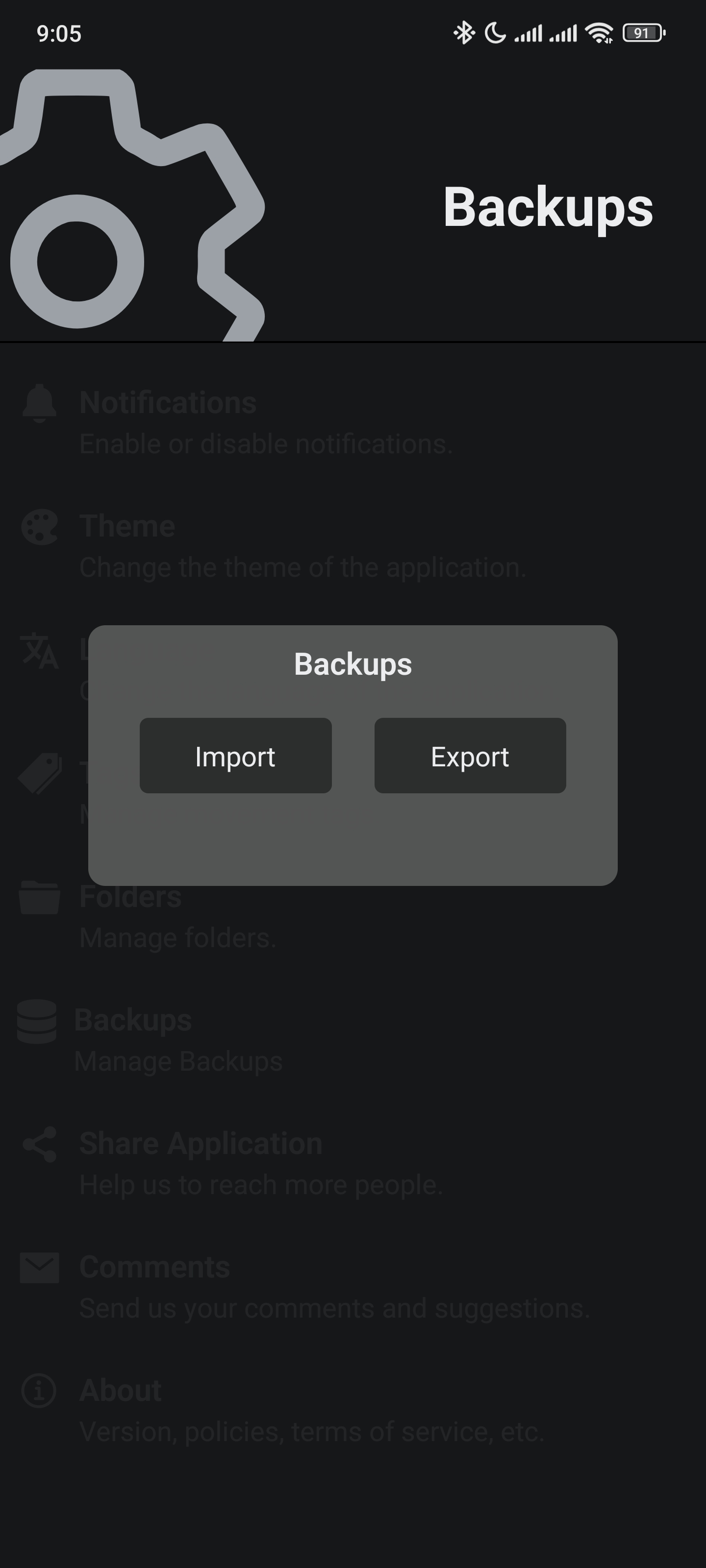
Backups allow you to restore the app's database.
You can create a backup by clicking Export
You can load a backup by clicking Import
Note: Backups are not encrypted, be aware of the app's Privacy Policy